
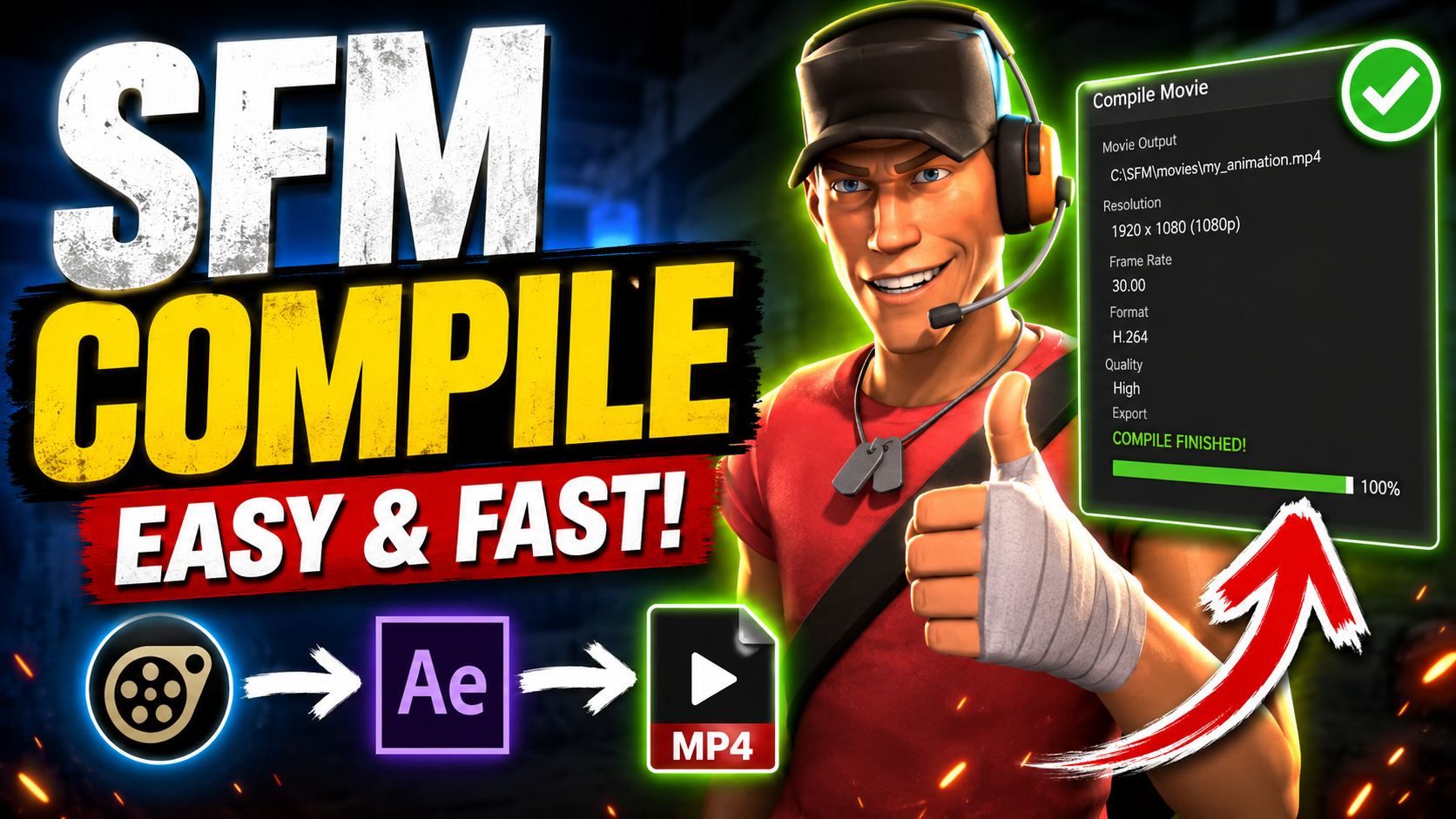
The process of compiling maps and assets in Source Filmmaker (SFM) is crucial for creators who want to bring their cinematic visions to life. From creating complex scenes to ensuring optimal performance, mastering the SFM compile workflow can significantly enhance the quality of your films. This comprehensive tutorial will guide you through every step of the SFM compile process, offering professional insights, tips, and techniques to elevate your Source Filmmaker projects.
Understanding SFM and Its Compilation Process
Before diving into the technical aspects, it’s important to understand what SFM compile actually means. In Source Filmmaker, compiling refers to the process of transforming your raw map and asset files into a format that can be efficiently rendered within SFM. The compiler takes your geometry, textures, lighting, and entity data and processes it into a cohesive environment, optimized for real-time playback and final render outputs.
SFM’s underlying engine is the Source Engine, which shares compilation principles with games like Half-Life 2 and Team Fortress 2. While SFM allows for creative freedom, improperly compiled maps can lead to performance issues, graphical glitches, or even crashes. Understanding the compilation pipeline helps creators optimize both the visual quality and performance of their scenes.
Prerequisites for Successful SFM Compilation
Before attempting an SFM compile, there are several prerequisites that every user must meet. First, ensure that all your assets—models, textures, and sounds—are properly formatted and located in the correct directories within the SFM file structure. Missing or incorrectly referenced assets can cause compilation errors.
Second, you need to have the Source SDK tools installed, specifically Hammer Editor, as it is the primary tool used to create and edit maps for SFM. Knowledge of 3D modeling, texture mapping, and lighting principles will also aid in producing high-quality compilations. Additionally, familiarity with command-line compilation settings is highly recommended for advanced optimizations.
Step 1: Preparing Your Map in Hammer Editor
The first tangible step in the SFM compile workflow is preparing your map within Hammer Editor. This involves placing entities, structuring geometry, and ensuring that the map adheres to Source Engine optimization standards. Entities include props, lights, spawn points, and interactive elements. Properly naming and categorizing entities is critical because SFM references these during animation and rendering.
Geometry must be constructed with efficiency in mind. Use func_detail brushes for decorative elements that don’t block visibility and avoid unnecessarily complex shapes in high-traffic areas. Optimization at this stage reduces compile times and improves playback performance within SFM.
Step 2: Configuring Compile Settings for SFM
Once your map is ready, configuring the SFM compile settings is the next step. Source Engine compiles maps through a series of tools, including VBSP, VVIS, and VRAD, each handling different aspects of the compilation:
- VBSP (Valve BSP): Converts brush geometry into a Binary Space Partitioning format.
- VVIS (Visibility Calculation): Determines which parts of the map are visible from each point, improving rendering performance.
- VRAD (Lighting Calculation): Computes static lighting, shadows, and ambient occlusion.
Adjusting these tools’ parameters allows for fine-tuned control over performance and visual fidelity. For instance, higher light bounce settings produce realistic lighting but increase compile time. Beginners may start with default settings and gradually experiment with advanced options.
Step 3: Compiling the Map
After configuring settings, it’s time to run the SFM compile process. The compile sequence is typically executed either via Hammer’s built-in tools or command-line scripts. During compilation, the engine checks for missing textures, overlapping brushes, and entity errors, logging any issues that need attention.
Depending on the complexity of your map, compilation can take anywhere from a few minutes to several hours. Patience is essential, as premature termination or interruptions can corrupt the output files. It is advisable to compile in stages: first the geometry (fast compile), then with lighting and visibility (full compile). This approach helps isolate and fix errors efficiently.
Step 4: Testing and Debugging the Compiled Map
A successful compile does not guarantee a perfect scene. Testing your map within SFM is crucial to identify errors such as missing props, texture glitches, or lighting inconsistencies. The SFM compile process often reveals subtle issues that were not apparent in Hammer Editor.
Debugging involves checking the console for warnings, reassigning missing assets, and adjusting compile parameters for better results. For instance, if shadows appear blocky or inconsistent, increasing the VRAD light grid density may help. Systematic testing ensures that your final renders will be smooth and visually accurate.
Step 5: Optimizing Performance for Complex Scenes
As SFM projects grow in complexity, performance optimization becomes a key consideration. Efficient compilation reduces the memory footprint and ensures real-time playback remains smooth. Strategies include:
- Using visibility hints and areaportals to control what the engine renders.
- Simplifying brush geometry and avoiding excessive overdraw.
- Minimizing dynamic lights and shadow-casting entities in non-critical areas.
These optimization techniques are directly tied to the SFM compile settings and can dramatically improve render efficiency, allowing creators to work with larger, more detailed scenes without crashing the software.
Step 6: Integrating Models and Animations
With a compiled and optimized map, the next step is integrating models and animations. Characters, props, and particle effects can be placed within your scene, ensuring proper interaction with lighting and environment geometry. SFM supports skeletal animations, facial expressions, and physics-based interactions, all of which require a stable compiled map to function correctly.
Properly compiled maps allow for accurate collision detection and lighting reflections, which are essential for realism. Misaligned or improperly compiled maps may result in floating models, clipping issues, or distorted shadows, all of which can break immersion.
Step 7: Advanced Lighting Techniques
Lighting plays a pivotal role in SFM cinematography. The VRAD step during compilation handles static lighting, but advanced users can employ lightmaps, radiosity, and ambient occlusion to achieve cinematic quality. Techniques include:
- Baking indirect lighting into textures for realistic shading.
- Using light_environment entities to simulate sunlight and moonlight.
- Adjusting shadow depth and softness to enhance depth perception.
Mastering lighting in conjunction with SFM compile ensures that each scene is not only functional but visually stunning.
Step 8: Exporting and Rendering Compiled Scenes
Once the map is compiled, tested, and optimized, you are ready to render your cinematic sequences. SFM allows exporting animations in high-quality video formats with adjustable frame rates, resolutions, and codecs. The SFM compile process ensures that your scenes remain stable during long render sessions.
During rendering, additional considerations include motion blur, depth of field, and particle effects. A well-compiled map reduces rendering errors and crashes, making the post-production workflow smooth and predictable.
Common Mistakes to Avoid During SFM Compilation
Even experienced users can encounter pitfalls during SFM compile. Common mistakes include:
- Ignoring compile warnings or errors, leading to broken scenes.
- Overloading the map with unnecessary props or complex geometry.
- Neglecting optimization strategies, resulting in laggy playback or long render times.
- Using inconsistent or missing textures, which appear as bright pink or black surfaces.
Avoiding these mistakes requires attention to detail, thorough testing, and incremental compilation. Keeping a clean asset and map structure is key to successful SFM projects.
Conclusion: Mastering SFM Compile for Cinematic Excellence
Mastering the SFM compile process is essential for any serious Source Filmmaker creator. From initial map design to final rendering, each step requires precision, patience, and technical understanding. By following this comprehensive guide, creators can produce high-quality scenes, optimize performance, and unleash the full potential of SFM’s cinematic capabilities.
With practice, experimentation, and attention to detail, the art of compiling in SFM becomes not just a technical necessity, but a creative tool—empowering filmmakers to bring their unique visions to life with professional polish and immersive quality.