
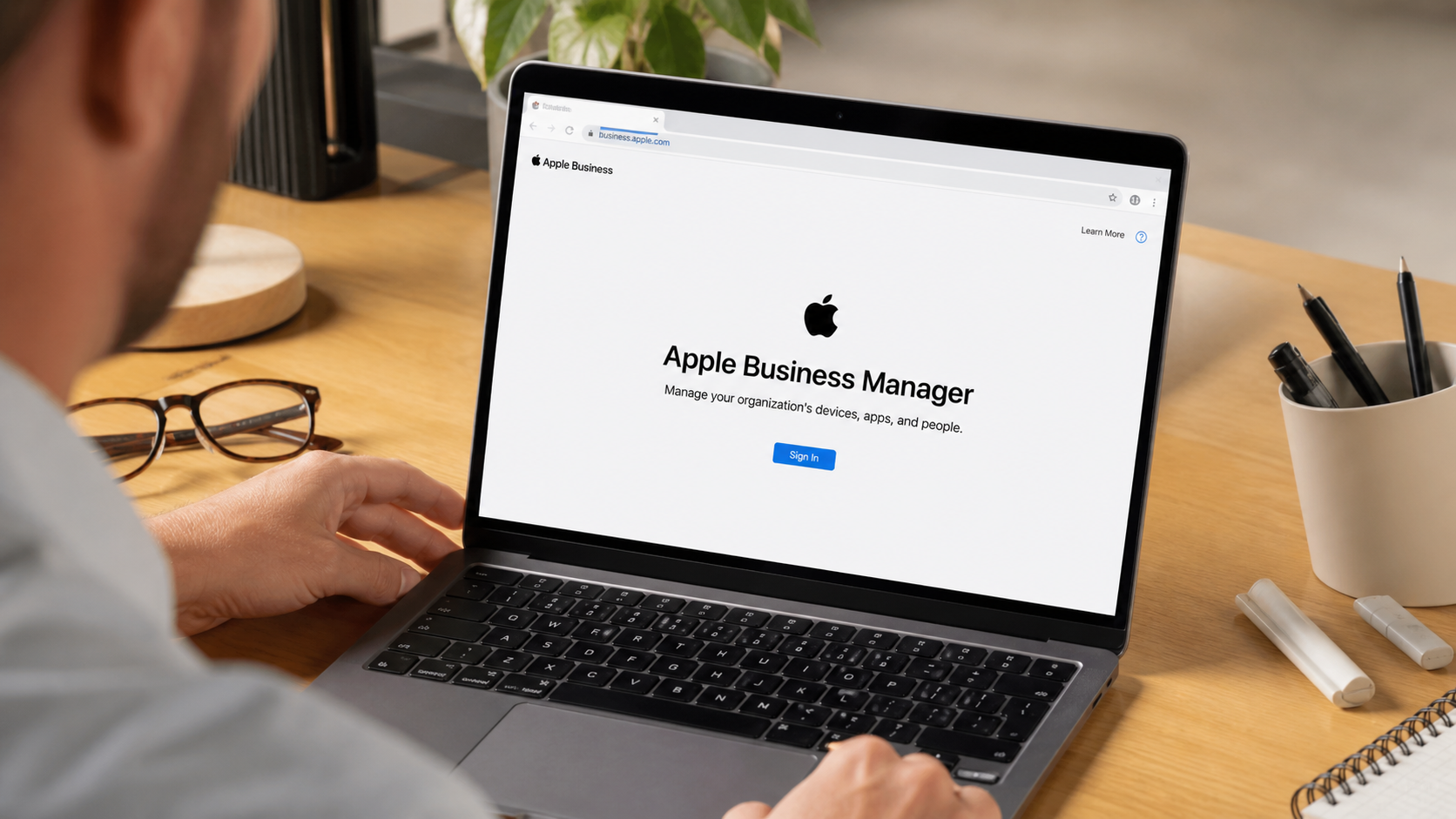
In today’s fast-paced business environment, organizations need to ensure that their devices, software, and applications are managed efficiently to maximize productivity. Apple Business Manager (ABM) is a powerful tool designed to help businesses manage their Apple devices, streamline deployment, and ensure secure operations within their ecosystem. This article explores the benefits, features, and implementation strategies for Apple Business Manager to help businesses stay ahead in the competitive market.
What is Apple Business Manager?
Apple Business Manager is an online platform developed by Apple to simplify the deployment and management of Apple devices within an organization. This web-based solution helps businesses and educational institutions configure, deploy, and manage devices at scale. Apple Business Manager allows administrators to manage and assign devices, apps, and accounts with ease, enhancing the overall workflow and productivity.
Unlike traditional mobile device management (MDM) tools, ABM integrates seamlessly with other Apple services and provides advanced features, such as automatic enrollment of devices, streamlined app deployment, and centralized control over device settings and user access.
Why Should Your Organization Use Apple Business Manager?
The decision to use Apple Business Manager can significantly improve an organization’s operational efficiency. Here are a few reasons why businesses should adopt ABM:
- Centralized Device Management
Apple Business Manager allows businesses to centrally manage a fleet of Apple devices, whether they are iPhones, iPads, Macs, or Apple TVs. This centralized control simplifies the administration process and reduces the time spent on managing individual devices. - Enhanced Security and Compliance
Apple Business Manager ensures that all devices are set up according to your organization’s security policies. It helps in managing device settings, deploying security configurations, and enforcing encryption policies, thus ensuring compliance with industry regulations. - Seamless Integration with MDM Solutions
ABM works well with various Mobile Device Management (MDM) solutions, allowing for even greater flexibility. Integration with MDM solutions enables organizations to manage apps, software updates, and device configurations from a single console. - Time and Cost Efficiency
By automating the device enrollment and app deployment processes, businesses can save time and resources. This enables IT departments to focus on more strategic tasks rather than manually setting up devices and applications.
Key Features of Apple Business Manager
Apple Business Manager offers a wide range of features that make it an essential tool for organizations looking to streamline their IT infrastructure. Let’s take a look at some of the most notable features:
1. Automated Device Enrollment
With Apple Business Manager, businesses can automatically enroll devices into their MDM solution as soon as they are purchased. This removes the need for manual setup, saving time and reducing human error. Devices can be pre-configured with the necessary settings and apps, allowing employees to start using their devices immediately.
2. App and Book Distribution
ABM simplifies the distribution of apps and books across devices. It allows businesses to purchase and distribute apps in bulk, whether for a single user or a large group. Apps can be assigned to devices directly from the ABM portal, ensuring that employees always have the right tools at their disposal.
3. Managed Apple IDs
ABM provides a way to create Managed Apple IDs for users within the organization. These IDs give employees access to Apple services such as iCloud, Apple Music, and App Store purchases while maintaining control over the organization’s data. Managed Apple IDs ensure that personal and business data are kept separate.
4. Role-Based Access Control
Apple Business Manager allows administrators to assign different roles to employees, providing a structured system of access. Whether you need to grant basic access to an employee or full administrative privileges to an IT staff member, ABM allows for granular control over user permissions.
How Apple Business Manager Can Streamline Device Deployment
One of the most significant advantages of Apple Business Manager is its ability to streamline device deployment. Here’s how ABM makes device rollout easier and more efficient:
1. Instant Device Setup
Using Apple Business Manager, organizations can quickly deploy devices without the need for manual configuration. Once a device is enrolled in ABM, it automatically receives the necessary settings, apps, and security configurations when it’s turned on. This eliminates the time-consuming process of configuring devices manually, allowing employees to get to work immediately.
2. Bulk Device Configuration
Apple Business Manager supports bulk device management, which is especially useful for large organizations that need to configure hundreds or even thousands of devices. Admins can define the configuration profiles for different types of devices and push them out simultaneously to all enrolled devices.
3. Remote Management
Apple Business Manager allows for remote management of devices. If an issue arises with a device or if an update is required, IT admins can manage it from anywhere, saving time and reducing the need for physical interaction with the devices.
Apple Business Manager Integration with MDM Solutions
Apple Business Manager integrates seamlessly with third-party Mobile Device Management (MDM) solutions, allowing organizations to manage and secure their Apple devices with ease. Here’s why integrating ABM with an MDM solution is beneficial:
1. Simplified Configuration
MDM solutions and ABM work together to automatically configure devices based on predefined templates. This means that when a device is purchased, it’s automatically enrolled into the MDM system and configured to meet the organization’s security policies.
2. Centralized App Management
With ABM and an MDM solution, businesses can centrally manage all apps installed on their devices. Apps can be remotely updated, removed, or replaced with minimal effort. This helps businesses ensure that their employees always have access to the latest tools without worrying about manual app updates.
3. Remote Device Wipe and Lock
In case a device is lost or stolen, ABM integrated with MDM allows administrators to remotely wipe or lock the device. This feature ensures that sensitive business data remains protected, even if the device is outside of the organization’s control.
Security Features and Benefits of Apple Business Manager
Security is one of the most critical aspects of device management, especially in a business environment. Apple Business Manager offers a range of security features designed to protect organizational data:
1. Device Encryption
All Apple devices managed through ABM are encrypted by default. This ensures that any sensitive information stored on the device is secure and inaccessible to unauthorized individuals.
2. Restrictions and Configurations
Apple Business Manager allows businesses to set restrictions on their devices, such as limiting access to certain apps, disabling certain features, or enforcing passcode requirements. These settings ensure that devices are used securely and in accordance with company policies.
3. Two-Factor Authentication (2FA)
ABM supports two-factor authentication, adding an extra layer of security when users log into their devices or access sensitive data. This helps prevent unauthorized access and ensures that only authorized individuals can access business information.
Implementing Apple Business Manager in Your Organization
Implementing Apple Business Manager into your organization’s infrastructure can seem like a daunting task, but with the right approach, the process can be smooth and efficient. Here’s a step-by-step guide to help you get started:
Step 1: Set Up Apple Business Manager Account
The first step is to create an Apple Business Manager account. This requires verifying your organization’s credentials and providing necessary details such as the organization’s name, address, and D-U-N-S number.
Step 2: Integrate MDM Solution
Once you have access to Apple Business Manager, integrate it with your chosen MDM solution. This will enable you to configure and manage your devices remotely. Choose an MDM provider that suits your organization’s needs, and ensure that it’s compatible with Apple Business Manager.
Step 3: Add Devices to ABM
After setting up ABM and your MDM solution, the next step is to add your Apple devices to the system. This can be done automatically for devices purchased directly through Apple or manually for devices purchased elsewhere.
Step 4: Define Configuration Profiles
With your devices enrolled, you can now define configuration profiles. These profiles specify the settings, apps, and restrictions that should be applied to each device. Depending on your organization’s needs, you may create different profiles for different types of devices or user groups.
Step 5: Assign Devices and Distribute Apps
Once the configuration profiles are set, you can assign devices to employees and distribute the necessary apps. ABM allows you to push apps directly to devices, ensuring that all employees have the tools they need to perform their jobs.
Maximizing Productivity with Apple Business Manager
By streamlining device management and providing seamless app distribution, Apple Business Manager helps organizations maximize productivity. Here are a few tips to make the most out of ABM:
1. Automate Device Enrollment
Take advantage of automated device enrollment to eliminate manual configuration and deployment. This will save your IT team valuable time and resources.
2. Maintain Consistency Across Devices
ABM ensures that all devices are configured according to the organization’s policies, maintaining consistency across all devices. This reduces the likelihood of errors and ensures that employees always have access to the necessary tools.
3. Regularly Update Devices and Apps
Use ABM to keep your devices and apps up to date. Regular updates ensure that employees are always using the latest software and have access to the most up-to-date features.
Conclusion
Apple Business Manager is a powerful tool that helps organizations manage their Apple devices, apps, and users in a streamlined and secure manner. By integrating ABM with an MDM solution, businesses can automate device setup, ensure data security, and maximize productivity. With its easy-to-use interface and robust features, Apple Business Manager is an essential tool for any organization looking to optimize their Apple ecosystem.
By adopting Apple Business Manager, your organization can not only simplify device management but also boost employee productivity, enhance security, and reduce operational costs, paving the way for long-term success.